

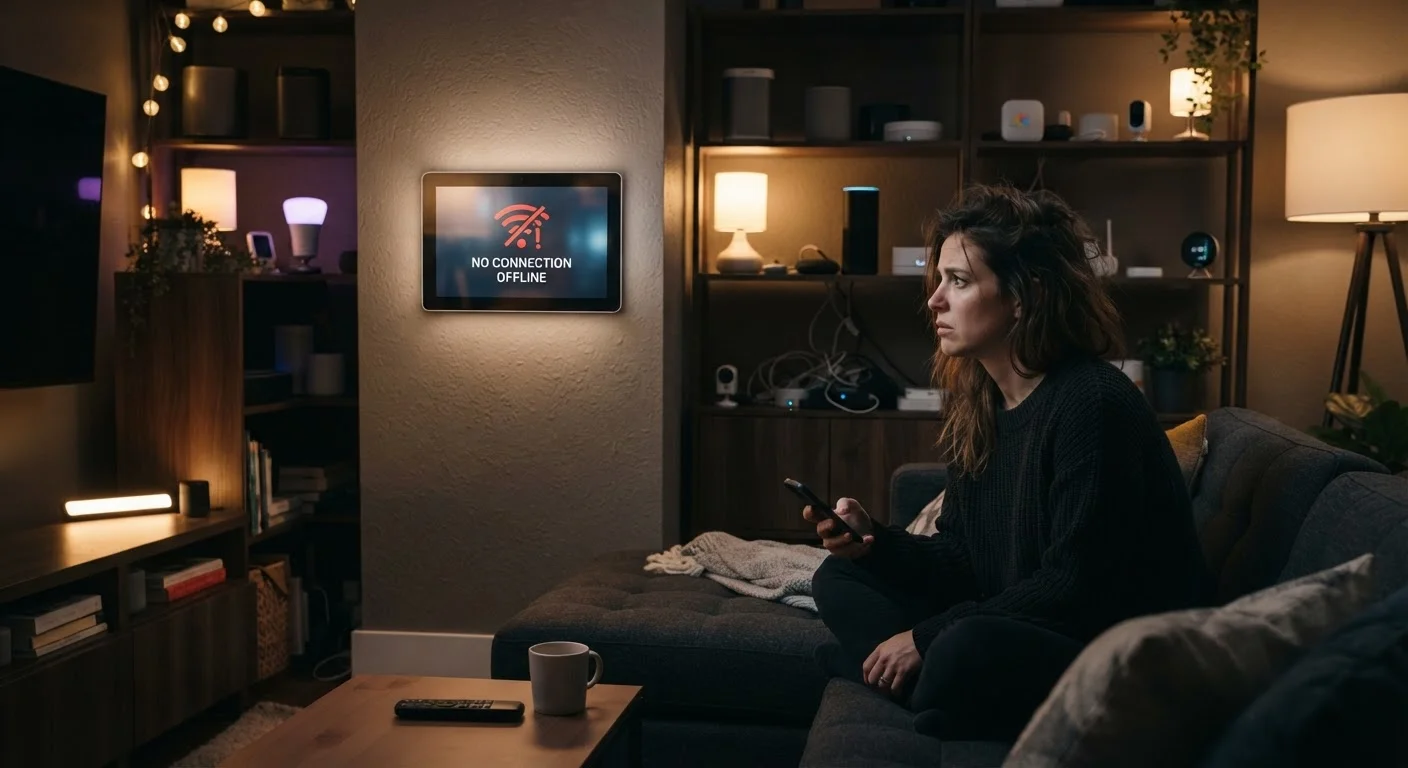
Key Takeaways
- Most smart device disconnections trace back to a handful of preventable network configuration mistakes.
- Router placement and wireless band selection have an outsized impact on device stability.
- Too many devices sharing one network segment can cause chronic dropoffs even on fast connections.
- Firmware and app updates are often the simplest fix that gets skipped most often.
- Using the right wireless protocol for each device type dramatically reduces connection failures.
The Real Reasons Smart Devices Lose Their Connection
A smart bulb that won't respond, a thermostat that vanished from your app, a doorbell camera that keeps going offline — these frustrations share a common thread: most are caused by a small set of fixable network mistakes, not faulty hardware. Understanding the actual cause is the first step toward a stable smart home.
Smart devices are more network-sensitive than laptops or phones. They often run minimal operating systems, lack the ability to intelligently seek out stronger signals, and may go hours between active communication attempts — meaning a dropped connection can sit undetected until you try to use the device. The mistakes below account for the vast majority of chronic disconnection complaints.
Connecting every smart device to the 5 GHz Wi-Fi band instead of 2.4 GHz.
Why it happens: 5 GHz sounds faster — and it is — so many people assume it's the better choice for all devices. But most smart home gadgets are designed specifically for 2.4 GHz, which has better range and wall penetration.
Placing the router too far from devices or behind signal-blocking obstacles.
Why it happens: Routers are often tucked away in closets or entertainment centers for aesthetic reasons, without considering signal propagation. Concrete walls, metal appliances, and even large fish tanks sharply attenuate wireless signals.
Overloading a single network with too many simultaneously connected devices.
Why it happens: Consumers add smart devices gradually over time and rarely audit how many are actively connected. A router that handles 20 devices well may become unstable at 40 or 50.
Ignoring firmware and app updates for both the router and the smart devices themselves.
Why it happens: Updates feel optional and disruptive, and most people don't associate outdated firmware with connectivity problems. In reality, many updates specifically address network stability and authentication bugs.
Using the wrong wireless protocol for devices that don't actually need Wi-Fi.
Why it happens: Wi-Fi is the default assumption because it's familiar, but protocols like Zigbee, Z-Wave, and Thread are purpose-built for low-power sensors and smart home peripherals. Running these on Wi-Fi instead adds network congestion unnecessarily.
Building a Network That Smart Devices Can Actually Rely On
Fixing individual disconnections is useful, but the more durable approach is setting up your home network with smart devices in mind from the start. That means thinking about band allocation, physical placement, device counts, and update hygiene as a system — not as separate, unrelated settings.
Interference Is More Common Than You Think
Neighboring Wi-Fi networks, microwave ovens, baby monitors, and even certain LED bulbs can all interfere with the 2.4 GHz band that most smart devices rely on. If your devices drop off repeatedly at similar times of day, interference — not your router — is often the culprit. Switching your router to a less congested Wi-Fi channel (use a free Wi-Fi analyzer app to check) can resolve chronic dropoffs without any hardware changes.
If you're planning to add more devices, running through a pre-connection checklist can prevent most problems before they start. See this checklist before adding any new smart device for a practical walkthrough of compatibility and network requirements. And if you've inherited beliefs about routers that haven't been tested, home network myths that confuse smart device owners is worth reading alongside this article — several widely repeated pieces of advice actively make smart device stability worse.