

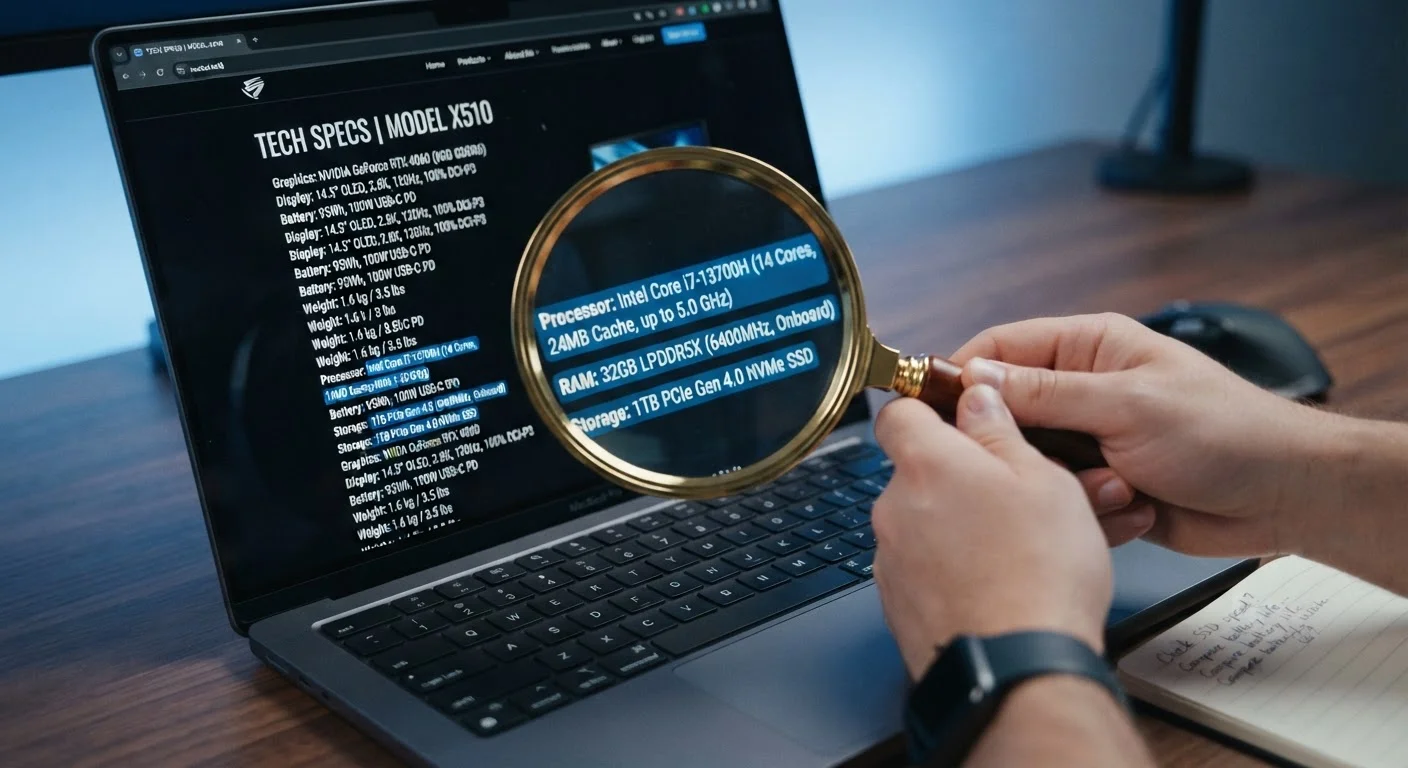
Key Takeaways
- Clock speed alone does not determine processor performance — architecture and core count matter equally.
- RAM capacity numbers are often overstated in marketing; type and speed affect real-world use significantly.
- Storage drive type (SSD vs. HDD) can impact daily performance far more than raw gigabyte totals.
- Graphics specs require context — integrated and dedicated GPUs serve very different purposes.
- Matching specs to your actual workload is more reliable than chasing the highest numbers available.
Why Spec Sheets Are Built to Impress, Not Inform
When you're shopping for your first computer, the spec sheet feels like a cheat code — a grid of numbers that should tell you everything. In practice, it's more of a highlight reel. Manufacturers select the figures most likely to catch the eye of an uninformed buyer, while burying or omitting the context that would make those numbers meaningful.
Understanding this dynamic isn't cynicism — it's a practical skill. The same logic applies across the electronics aisle, as explored in what home electronics packaging doesn't tell you. For computers specifically, a handful of traps catch first-time buyers repeatedly. Here's what they are, why they work, and how to see past them.
Treating GHz (processor clock speed) as the primary measure of performance.
Why it happens: Clock speed is a single, easy-to-compare number, and higher always sounds better to someone unfamiliar with processor design.
Assuming more RAM automatically means a faster, more capable computer.
Why it happens: RAM is marketed by capacity in gigabytes, which is easy to rank — 16 GB sounds twice as good as 8 GB regardless of whether the extra headroom is ever needed.
Focusing on storage size while ignoring storage type.
Why it happens: Gigabytes are intuitive — more space means more files. The distinction between a hard disk drive (HDD) and a solid-state drive (SSD) isn't advertised as prominently.
Ignoring graphics specifications or misunderstanding what "integrated" vs. "dedicated" graphics means.
Why it happens: Graphics hardware is confusing, and the distinction between integrated (built into the processor) and dedicated (a separate card) isn't always explained clearly on retail listings.
Overlooking display resolution and panel type on laptops.
Why it happens: Screen quality is harder to quantify than processor speed or storage, so buyers default to other numbers and only notice display shortcomings after purchase.
Putting Your Numbers in Context
Every spec means something different depending on what you're actually doing with the machine. A video editor, a student writing papers, and someone running spreadsheets all have genuinely different requirements — and a number that's impressive for one use case is overkill or irrelevant for another.
~70%
Of PC buyers who cite specs as their primary decision factor
Consumer research consistently finds a majority of computer shoppers prioritize listed specifications, yet many report post-purchase dissatisfaction with real-world performance.
3–5×
Typical speed difference between SSD and HDD for common tasks
Industry testing routinely shows solid-state drives completing everyday operations — boot sequences, application launches — three to five times faster than traditional hard drives.
Before evaluating any spec, write down your three most demanding regular tasks. Streaming video, light document work, and web browsing have modest requirements. Photo editing, software development, or gaming demand more. That list is your filter — not the biggest number on the box.
If you want a grounded introduction to how all of these components fit together before day one of ownership, everything a first-time PC owner needs to understand offers a useful starting framework. And if you're weighing whether a refurbished machine might suit your needs, the trade-offs of buying a refurbished computer walks through both sides fairly.
Specs Don't Reveal Software Overhead
A computer's out-of-box performance is affected not just by hardware, but by pre-installed software, background processes, and operating system demands. A machine with impressive specs can feel sluggish if it ships loaded with resource-intensive bloatware. Always research what software comes pre-installed, and factor that into your assessment alongside the hardware numbers.
The goal isn't to become a hardware engineer. It's to ask the right questions so the spec sheet works for you instead of against you. Understanding what actually causes a computer to slow down over time reinforces why buying to your real needs — rather than peak numbers — pays off in the long run.