

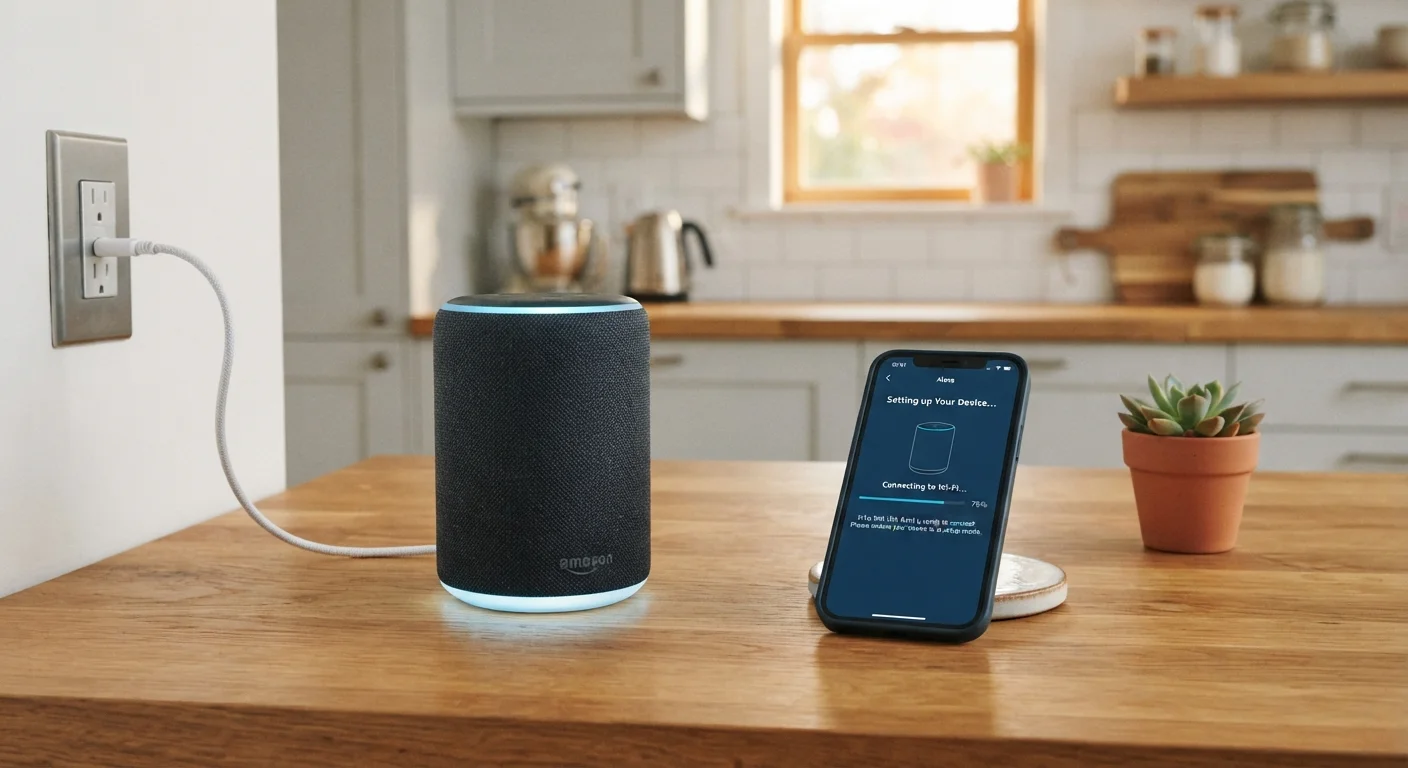
Key Takeaways
- You need a working Wi-Fi network and a smartphone with the companion app before you begin.
- Smart speakers tie into an ecosystem — choosing the right one affects which devices they can control.
- Physical placement affects both audio quality and voice recognition performance.
- Account credentials and privacy settings should be reviewed during initial setup, not after.
What you will need
What You Need Before You Begin
Getting a smart speaker up and running is genuinely straightforward — but a small amount of preparation prevents the most common frustrations. Gather what you need before opening the box rather than hunting for passwords mid-setup.
What you will need
Smart speaker and power adapter
The main device being set up; the adapter connects it to a wall outlet.
Smartphone with companion app installed
Used to walk through the guided setup process and link the speaker to your account and Wi-Fi.
Wi-Fi network name and password
Required to connect the speaker to your home network during setup.
Platform account credentials
Needed to sign in and activate voice assistant features during the setup flow.
If you're thinking about adding additional smart devices after this, the new smart device checklist is a useful next step for staying organized and avoiding compatibility surprises.
Step-by-Step Setup Instructions
Follow these steps in order. Each one builds on the last — skipping ahead, particularly during the app-guided Wi-Fi connection phase, is the most common reason setups stall or need to be restarted from scratch.
Choose a smart home ecosystem before you power on
Smart speakers are built around specific voice assistants and platforms. Before setup, confirm which ecosystem your speaker belongs to — this determines which other devices it can communicate with and which app you'll use. If you're unsure how ecosystems work, the smart home ecosystems explainer covers the key concepts clearly.
Place the speaker thoughtfully before plugging in
Pick a central, open location — away from walls, corners, and appliances that emit noise or radio interference (microwaves and cordless phones are common culprits). A raised surface like a shelf or counter typically improves both audio projection and voice pickup. Avoid placing it where it will be obstructed or exposed to moisture.
Plug in and wait for the startup indicator
Connect the power adapter and plug it into the outlet. Most speakers signal they're ready to be set up with a light ring, tone, or spoken prompt within 30–60 seconds. Do not proceed until you see or hear this readiness signal — it confirms the speaker has booted correctly and is in pairing mode.
Open the companion app and follow the guided flow
Open the platform's companion app on your smartphone. Most apps detect a new nearby device automatically via Bluetooth or guide you through adding one manually. Follow each screen in order — the app will prompt you to sign in to your account, select your Wi-Fi network, and enter your password. Do not skip steps or close the app mid-process.
Complete voice training and personalization (if offered)
Many platforms offer an optional voice training step where you read a few short phrases aloud. This helps the speaker recognize your voice more accurately and — on some platforms — enables personalized features like calendar access or messaging. It takes under two minutes and is generally worth doing during initial setup rather than returning to it later.
Review privacy and data settings before finishing
Before declaring setup complete, navigate to the privacy or data section in the companion app. Review which permissions are enabled — particularly voice recording history, contact access, and any third-party skill or action permissions. Adjust these to match your comfort level. You can always revisit them later, but reviewing them now establishes a deliberate baseline rather than accepting defaults blindly.
Test the speaker with a few basic commands
Say the wake word clearly and test a few commands: ask for the time, the weather, or to play music. If the speaker responds accurately, your setup is complete. If it struggles to hear you, try adjusting placement slightly. If it can't connect to a service, verify your account is correctly linked in the app's settings section.
Don't Share Your Wi-Fi Password Carelessly
During setup, your Wi-Fi password is transmitted to the speaker through the companion app — this process is encrypted on reputable platforms. However, be cautious about setting up a smart speaker on a shared or public network. Always use your private home network, and consider creating a separate guest network for smart home devices if your router supports it. This limits exposure if a device is ever compromised.
Once your speaker is active, it's worth understanding the broader platform it belongs to. Our first-time smart home guide explains how to expand thoughtfully without locking yourself into an ecosystem that doesn't fit your needs. If you're also weighing whether a smart display might serve you better, comparing smart displays and smart speakers can help clarify the difference.