

Key Takeaways
- Installing software updates promptly closes known security vulnerabilities that attackers actively exploit.
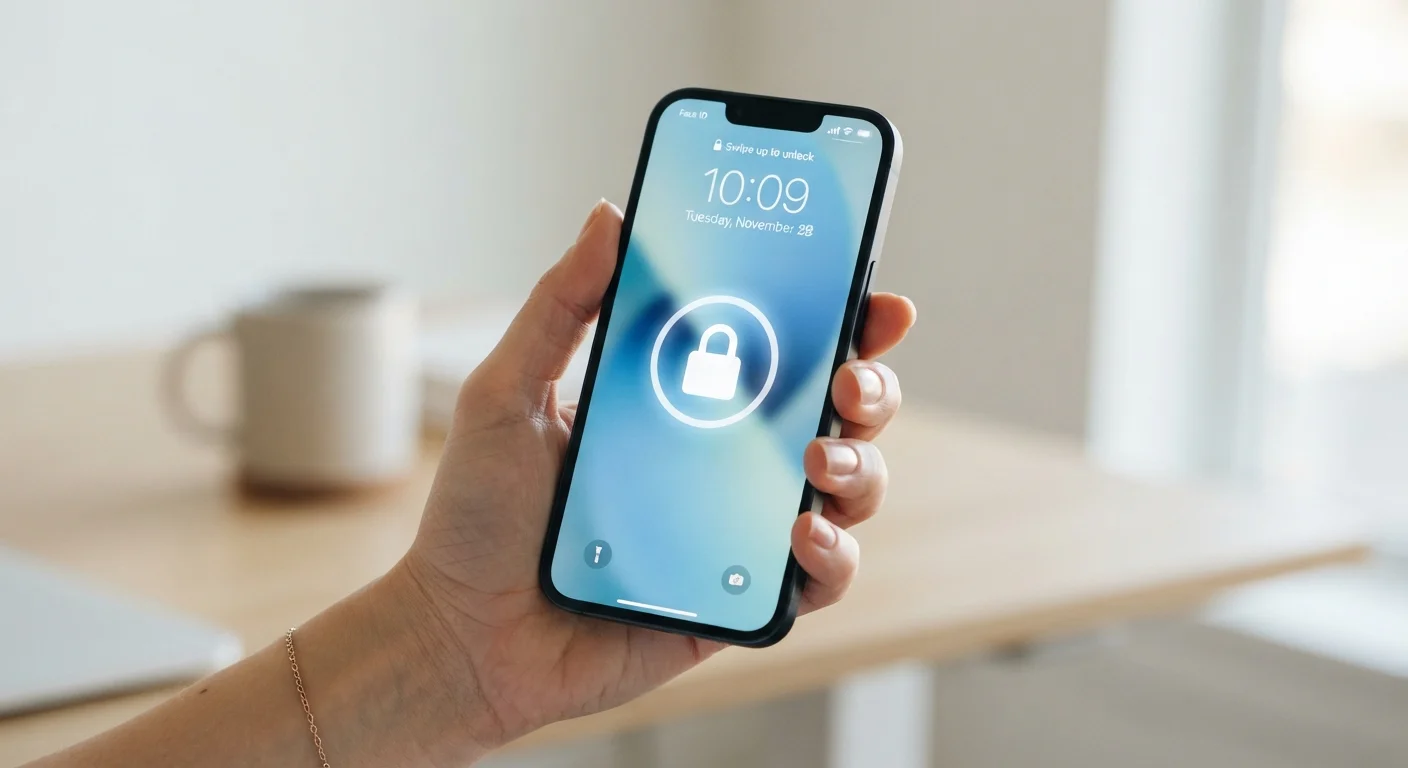
- A strong screen lock — PIN, passphrase, or biometric — is your first line of defense against unauthorized access.
- App permissions should be reviewed regularly; many apps request far more access than they need.
- Public Wi-Fi networks carry real risks; a VPN or mobile data is safer for sensitive tasks.
- Enabling two-factor authentication on key accounts adds a critical backup layer if passwords are compromised.
Why Smartphone Security Deserves Everyday Attention
Your smartphone holds more personal information than most people fully appreciate — banking credentials, health data, private messages, location history, and access to email accounts that can reset every other password you own. Despite this, security habits often lag behind the value of what's being protected.
The good news is that meaningful protection doesn't require technical expertise. A handful of consistent habits — applied across updates, lock screens, apps, and accounts — dramatically reduce the risk of unauthorized access or data exposure. This article walks through those habits clearly, without jargon.
If you're curious about the hardware enabling all of this, see what every smartphone component actually does. For a broader look at ownership and long-term device management, the full picture on smartphone and tablet ownership is a useful companion.
Core Security Habits Worth Building
The practices below are ordered by impact. None require specialized knowledge — just consistent follow-through.
Install software updates as soon as they are available.
Updates frequently patch known security vulnerabilities — flaws that attackers actively search for and exploit. Delaying updates leaves your device exposed to threats that are already publicly documented. Most operating systems now allow automatic updates, which removes the need to remember.
Use a strong, unique screen lock — never leave your phone unprotected.
Physical access to an unlocked phone bypasses most other security measures. A six-digit PIN is better than a four-digit one; a passphrase is stronger still. Biometric options like fingerprint or face recognition are convenient and acceptable for most users, provided they're backed by a strong PIN fallback.
Audit app permissions regularly and revoke what isn't necessary.
Many apps request access to your microphone, contacts, location, or camera by default — even when those permissions aren't required for the app's core function. Unnecessary permissions expand the potential surface area for data collection or exploitation. Both Android and iOS provide straightforward permission managers in Settings.
Enable two-factor authentication (2FA) on your most important accounts.
Two-factor authentication — where logging in requires both your password and a second verification step, such as a code sent to your phone — means a stolen password alone is not enough to access your account. This is particularly important for email, which is the recovery mechanism for almost everything else.
Be cautious on public Wi-Fi networks, especially for sensitive tasks.
Public Wi-Fi — in cafes, airports, or hotels — can be monitored or spoofed by bad actors. Accessing banking apps, entering passwords, or sending sensitive information on unsecured networks carries genuine risk. Using your mobile data connection or a reputable VPN (Virtual Private Network — software that encrypts your internet traffic) significantly reduces this exposure.
Only install apps from official, curated app stores.
Apps distributed outside official stores — a practice sometimes called sideloading — bypass the security review processes that platform operators apply. While no review process is perfect, official stores provide a meaningful layer of vetting that unofficial sources do not.
Where to Start Today
If the list above feels long, focus on the highest-impact items first. The actions below take minutes and create immediate improvement.
For readers managing a broader digital environment, the same principles apply across connected devices — see how they translate in keeping your smart home secure. And when it's time to move to a new device, transferring your data safely covers how to migrate without creating new vulnerabilities in the process.