

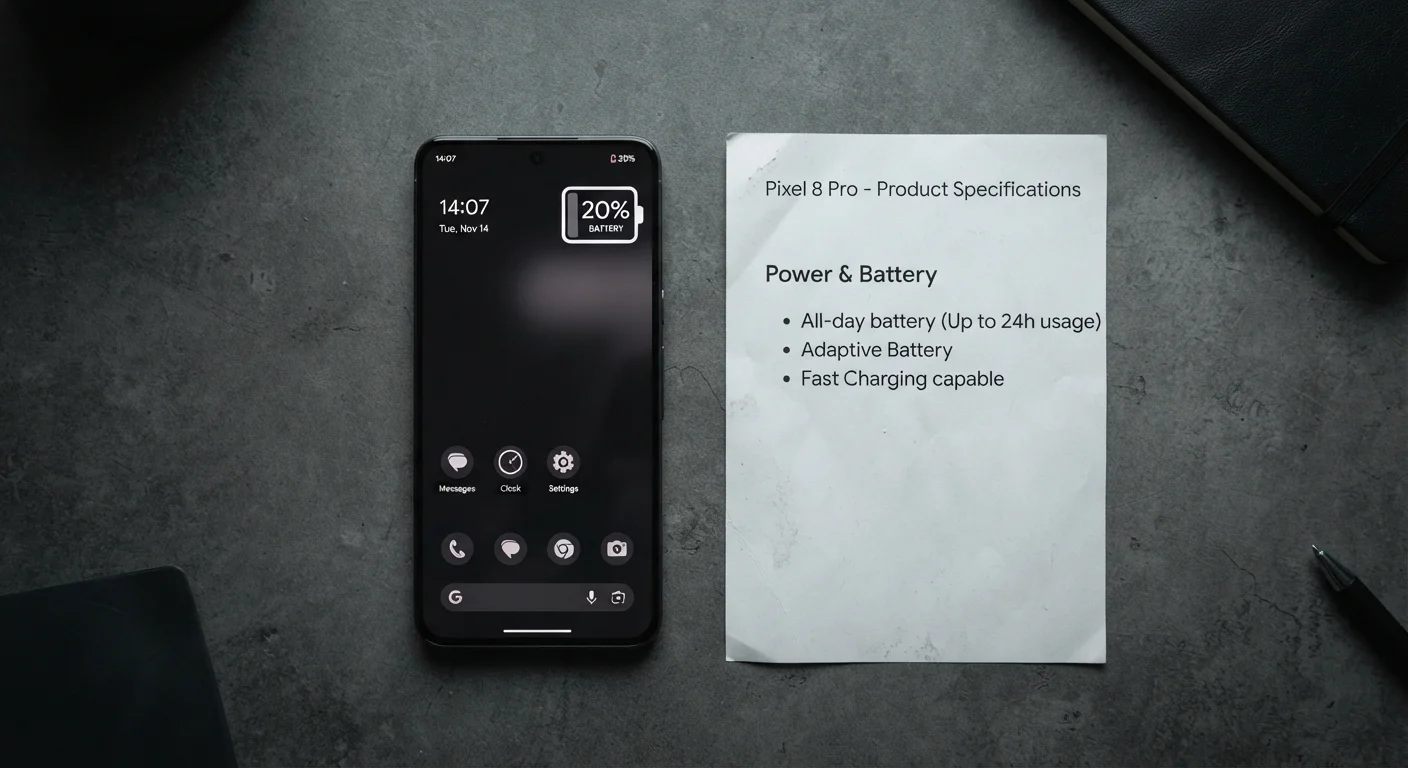
Key Takeaways
- mAh (milliamp-hour) measures battery capacity, not how long your phone will actually last.
- Manufacturer battery estimates are based on controlled tests that rarely reflect everyday usage patterns.
- Screen brightness, processor efficiency, and network conditions are major real-world battery drain factors.
- Processor architecture and software optimization matter as much as raw battery size.
- Independent reviews using real-world test scenarios are more reliable guides than spec-sheet claims.
Why mAh Numbers Mislead Most Buyers
When shoppers compare smartphones, battery capacity — measured in milliamp-hours, or mAh — is one of the first numbers they look at. A larger number feels like an obvious win. But mAh only describes how much electrical charge the battery can store, not how efficiently the phone consumes it. Two phones with identical mAh ratings can deliver dramatically different real-world endurance depending on the hardware and software drawing from that reserve.
Think of mAh like the size of a fuel tank. A larger tank doesn't tell you the vehicle's fuel efficiency — and a phone with a 5,000 mAh battery running a power-hungry processor at maximum screen brightness can drain faster than a 4,500 mAh device with a more efficient chip at moderate settings. Understanding what actually drives battery drain is the first step toward making sense of the spec sheet. For a broader look at how specs can mislead, see our article on what electronics packaging doesn't tell you.
Common Battery Myths — Corrected
Misconceptions about smartphone battery life are widespread, shaped partly by marketing language and partly by habits carried over from older battery technology. The myth-and-fact pairs below address the most persistent ones.
Myth
A higher mAh rating always means longer battery life.
Fact
Battery capacity is just one variable. Processor efficiency, display power draw, and software behavior can easily offset a larger battery.
mAh measures stored energy, not consumption rate. A phone with a smaller battery and a highly efficient processor can outlast a phone with a bigger battery paired with a power-hungry chip running a poorly optimized operating system. Capacity and endurance are related but not interchangeable.
Myth
Manufacturer-quoted battery life reflects normal everyday use.
Fact
Most manufacturers test under controlled, low-demand conditions that don't reflect typical usage — brightness is often reduced and data radios may be disabled.
Industry test conditions often involve looping video at fixed brightness or measuring standby time. These numbers may be accurate for those narrow scenarios but are not representative of a day that includes streaming, navigation, social media, and phone calls. Independent reviewers who document their testing methodology offer more useful comparisons.
Myth
You should always fully discharge a smartphone battery before charging it.
Fact
Modern lithium-ion batteries perform best when kept between roughly 20% and 80% charge. Deep discharges can accelerate long-term degradation.
Older nickel-based batteries benefited from full discharge cycles to prevent a phenomenon called memory effect. Lithium-ion chemistry — used in virtually all smartphones today — does not have this issue. Repeated deep discharges actually stress the cells and can shorten the battery's overall lifespan over time. Frequent top-ups from moderate charge levels are generally healthier for the battery.
Myth
Closing background apps saves significant battery life.
Fact
On modern mobile operating systems, aggressively closing apps can sometimes increase battery drain by forcing them to reload from scratch rather than resuming from a low-power suspended state.
Mobile operating systems are designed to manage app states automatically. A suspended app in the background typically uses minimal power. When you manually close and relaunch an app, the processor works harder to reload it, potentially using more energy than simply leaving it suspended. The exception is apps explicitly designed to run continuously in the background, such as navigation or audio streaming apps.
Myth
Fast charging damages your battery.
Fact
Modern fast-charging systems are engineered with thermal management and adaptive protocols to minimize stress on the battery cells during rapid charging.
Fast charging generates more heat than standard charging, and sustained heat is a genuine risk to lithium-ion longevity. However, well-implemented fast-charging technology monitors temperature and adjusts power delivery accordingly. Charging in very hot environments or using uncertified third-party chargers poses a greater risk than the fast-charging technology itself when used as intended.
The Variables That Actually Determine Battery Life
Real-world battery life is the product of several interacting factors, none of which appear on a spec sheet as a single number.
~50%
Typical real-world vs. rated battery life gap
Independent testing by technology reviewers consistently finds real-world endurance can fall 30–50% below manufacturer claims under mixed usage conditions.
500–800
Typical full charge cycles before capacity degrades
Lithium-ion batteries commonly retain around 80% of original capacity after 500 to 800 full charge cycles, a figure cited across battery chemistry research.
- Processor efficiency: Modern chips are designed with power efficiency in mind. A processor built on a newer, smaller manufacturing process (measured in nanometers) typically draws less power for the same workload. This is why chip architecture — not just clock speed — is central to battery life. Our guide to smartphone components explains how each piece of hardware contributes to power consumption.
- Display technology and brightness: Screens are one of the largest power draws on any smartphone. OLED displays consume less power when showing dark content because individual pixels turn off rather than requiring a backlight. Refresh rate also plays a role — a screen refreshing 120 times per second uses more power than one at 60Hz. OLED vs LCD in practical terms is worth understanding before drawing conclusions from battery specs alone.
- Network and connectivity: Searching for a weak cellular signal forces the modem — the component that manages calls and data — to work harder, consuming significantly more power. Wi-Fi typically draws less than cellular data, and 5G connectivity can increase drain depending on network conditions.
- Software and background activity: Apps running in the background, push notifications, and location services all draw power continuously. Over time, software accumulation can worsen this — a dynamic explored in depth in our piece on why phones slow down over time.
Uncertified Chargers Carry Real Risks
Third-party charging accessories that lack proper certification may not communicate correctly with your phone's charging management system. This can result in overheating, reduced battery longevity, or in rare cases, safety hazards. Using chargers certified for your device is the straightforward way to avoid these risks.
How to Evaluate Battery Life Before You Buy
Since manufacturer figures are based on controlled lab conditions — often involving video playback at fixed brightness with airplane mode enabled — they provide a useful baseline but rarely predict your experience. Independent technology publications run standardized real-world tests that include web browsing, streaming, and active use cycles, making them a far more reliable reference point.
Look for endurance ratings or screen-on-time averages from sources that document their methodology. When reading reviews, pay attention to the usage profile tested: heavy streaming, navigation, or gaming will always show shorter results than light reading or calls. Your own usage pattern is the most relevant filter. A phone rated for outstanding video playback endurance may still struggle through your workday if you rely heavily on GPS or social media apps. For a complete framework on evaluating and owning a smartphone over time, see The Full Picture on Smartphone and Tablet Ownership.