
Smartphone Storage: The Difference Between RAM, Internal Storage, and Cloud Space

Key Takeaways
- RAM determines how smoothly your phone multitasks, not how much you can save.
- Internal storage is where your apps, photos, and downloads permanently live.
- Cloud storage keeps files on remote servers, freeing up space on the device itself.
- Running out of internal storage can slow your phone down noticeably.
- More RAM helps with performance; more internal storage helps with capacity — they solve different problems.
Smartphone Storage Types
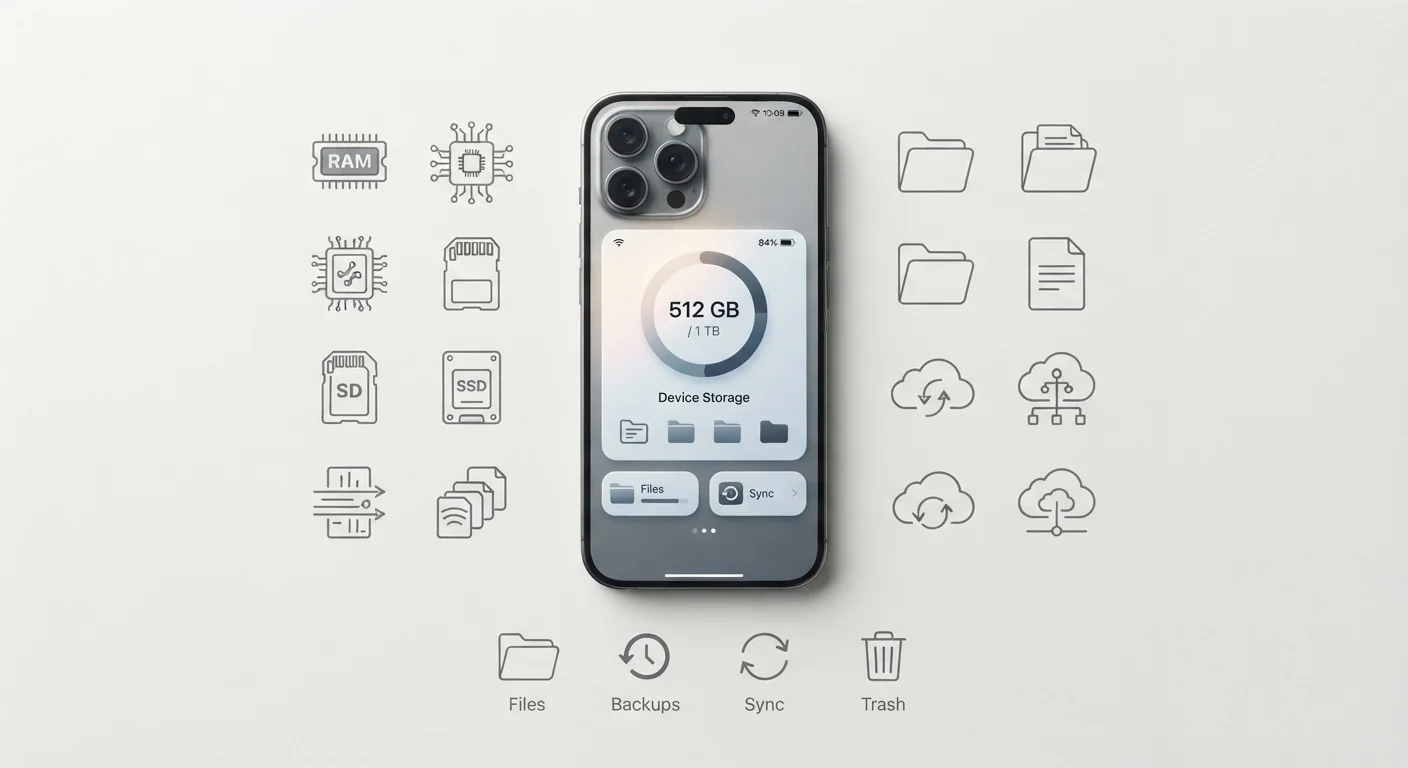
Your smartphone uses three distinct types of memory: RAM (Random Access Memory) handles active tasks in real time, internal storage holds your apps, photos, and files long-term, and cloud storage saves data remotely on internet-connected servers. Each serves a different purpose, and understanding the difference helps you manage your device more confidently.
Internal storage in modern smartphones uses NAND flash memory (commonly UFS or NVMe protocols), which is faster and more durable than the eMMC standard found in older or budget devices.
RAM: Your Phone's Short-Term Workspace
Think of RAM as your phone's desk. When you open an app, the phone loads it into RAM so it can run quickly. The more apps you have open simultaneously, the more RAM is needed to keep them all active. When RAM fills up, the phone starts closing background apps — which is why switching back to an app sometimes makes it reload from scratch.
RAM does not store your photos, music, or documents. The moment you restart your phone, everything in RAM is wiped. It is purely a working space for active processes. A phone with more RAM tends to handle multitasking more gracefully, but RAM alone doesn't determine overall device speed — the processor plays an equally important role. For a broader look at how these components interact, see what every smartphone component actually does.
A Simple Way to Think About RAM
Imagine RAM as the number of documents you can spread across your desk at once. Internal storage is the filing cabinet where those documents are kept when not in use. A bigger desk (more RAM) means more open at once; a bigger cabinet (more storage) means more files saved overall.
Internal Storage: The Long-Term Filing Cabinet
Internal storage — sometimes called ROM in older terminology, though that label is now largely inaccurate — is where your data lives permanently. Apps, photos, videos, downloaded music, and system files all reside here. Unlike RAM, internal storage retains everything when the phone is powered off.
When phone listings advertise 128GB or 256GB, they're referring to internal storage capacity. It's worth noting that a portion of that advertised space is consumed by the operating system and pre-installed apps before you ever add a single file. Filling your internal storage close to its limit can genuinely slow your phone down, because the OS needs headroom to manage temporary files and updates. This is one of the real causes behind the sluggishness many users notice over time — a topic explored further in our article on why phones slow down over time.
128GB
Most common base internal storage in mid-range smartphones
Industry trend data shows 128GB has become the standard entry-level configuration for mid-range devices as of the early 2020s, replacing the earlier 64GB baseline.
~10%
Storage lost to OS and pre-installed apps
On a typical smartphone, the operating system and bundled system software can consume roughly 8–12GB of advertised storage before the user installs anything.
Cloud Storage: Space That Lives Off Your Device
Cloud storage moves your data off the phone entirely, saving it on remote servers maintained by a provider and accessed through an internet connection. Services of this type are commonly offered by operating system ecosystems and third-party providers. Photos, documents, and backups synced to the cloud don't consume your phone's internal storage — which is why enabling automatic photo backup can meaningfully free up on-device space.
The trade-off is connectivity dependence. Cloud files aren't accessible in areas without a reliable internet connection unless you've specifically downloaded them for offline use. There are also privacy and subscription considerations worth understanding before committing to any provider. Cloud storage complements your internal storage rather than replacing it — critical apps and the OS itself must always live on the device.
Cloud Storage and Privacy
When you store data with any cloud provider, you're placing it on servers outside your direct control. It's worth reviewing a provider's data handling and encryption practices before using it for sensitive documents. Most mainstream cloud services use encryption in transit and at rest, but terms and policies vary.
How All Three Work Together
These three systems operate in parallel, each handling a specific layer of your phone's memory needs. When you open a photo-editing app, the app itself is loaded from internal storage into RAM. The photo you're editing is pulled from internal storage (or downloaded from the cloud) into RAM as a working copy. When you save your edit, it writes back to internal storage, and if cloud sync is enabled, a copy is uploaded to the server.
Understanding this hierarchy also clarifies common confusion: adding cloud storage won't make your phone faster, and buying more internal storage won't improve multitasking. Each type of memory solves a different problem. If you're curious how these concepts translate to laptops and desktops, our guide to laptop specs covers the same distinctions in that context. Likewise, common myths about computer memory are worth reviewing — many apply to smartphones too.